
Mafia – Vaz 2109 Strict Flow
Vaz 2109 Strict Flow car mod for Mafia: The City of Lost Heaven.
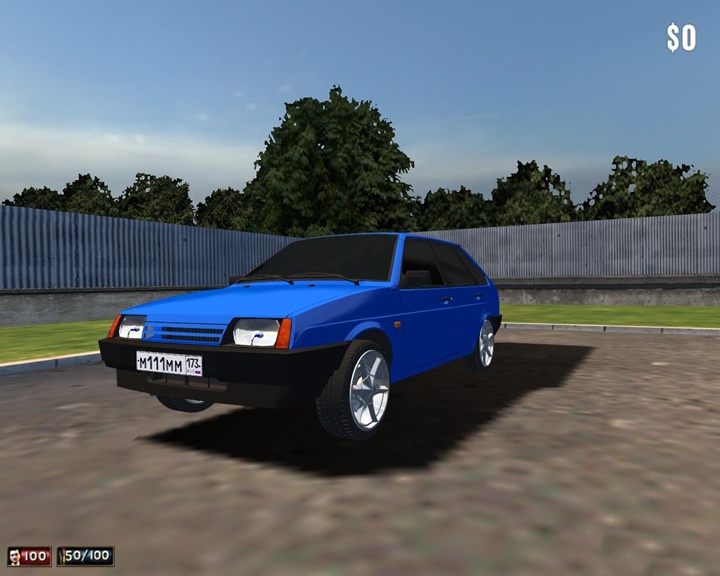
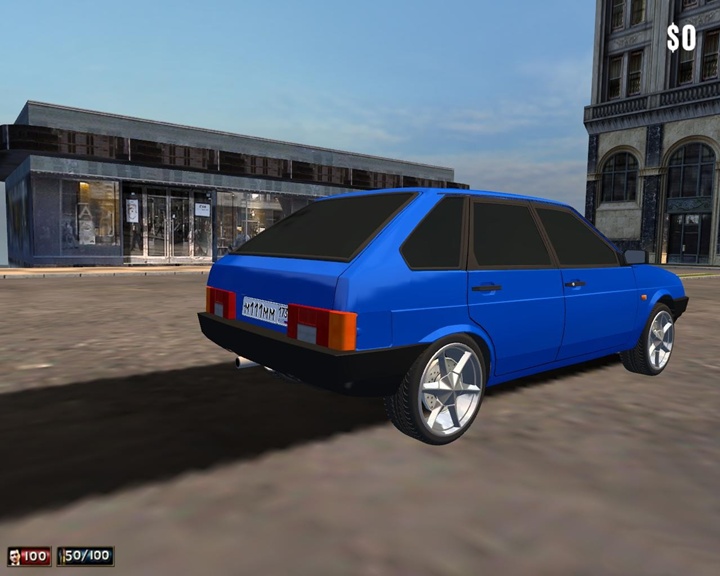
Replace Car: Lassiter V16 Fordor
How to Install Mafia: The City of Lost Heaven Mods:
Download the mod file in ZIP format from the link below.
Extract and copy the folders inside the mod file (such as Maps, Models, Tables, Sounds, etc.) into your game’s installation directory.
Classic Game Directory Example (CD/DVD): C:\Program Files\Illusion Softworks\Mafia
(For Windows 11: Right-click the game’s desktop icon and select Open File Location to access the installation folder.)
Steam Game Directory Example: C:\Program Files (x86)\Steam\steamapps\common\Mafia
To view the car mods you’ve installed, use Carpedia from the game’s main menu. You can also encounter randomly spawned modded vehicles throughout the city during gameplay.
Note: Mods made for Mafia: The City of Lost Heaven do not work with Mafia: Definitive Edition.
Authors: MC TZ, Gufaka
Latest Comments